Product
A lighter way to keep clients informed and matters moving.
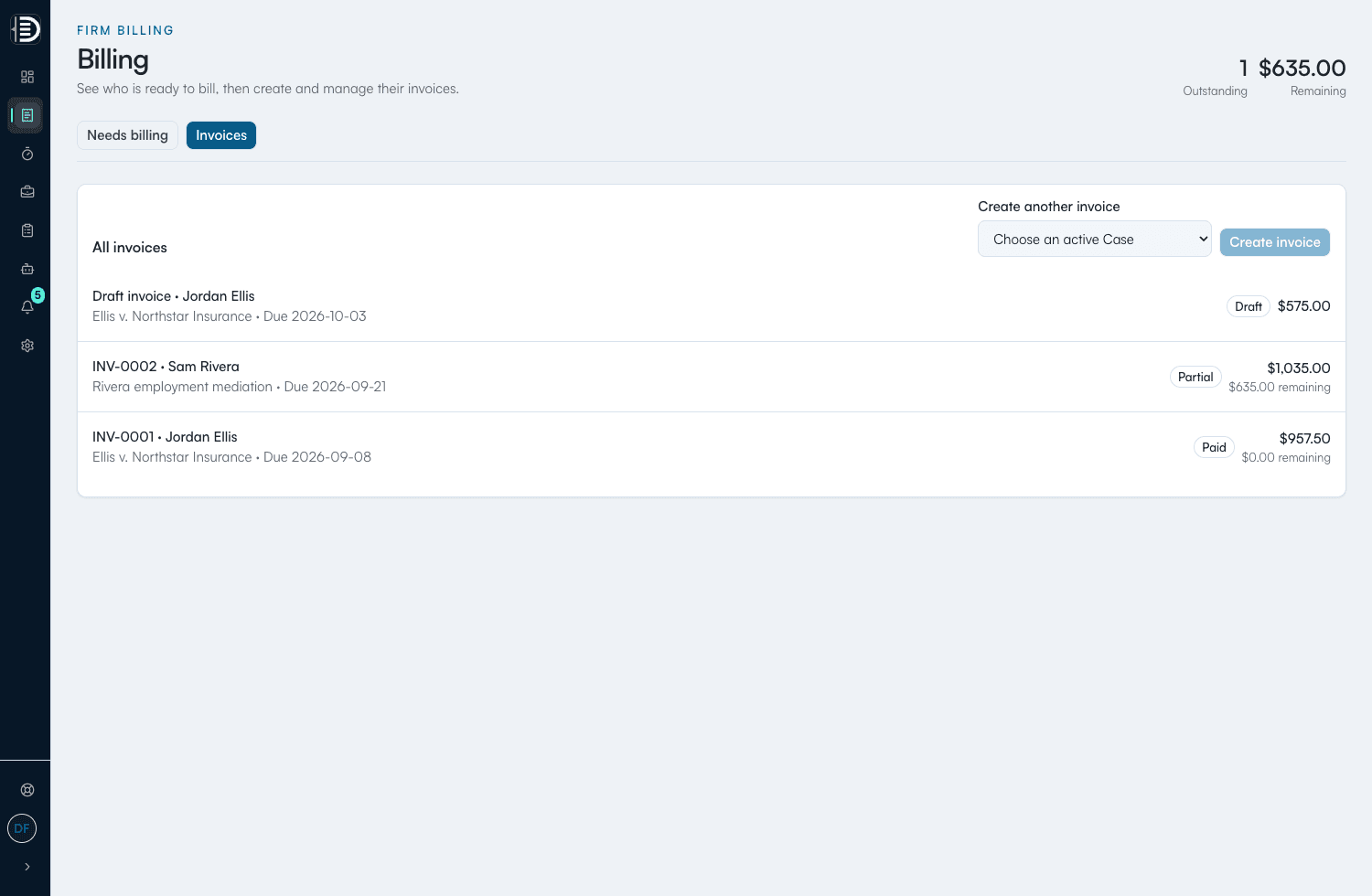
BetterDocket brings client visibility, messages, document requests, time, invoicing, and attention signals together. Your team spends less time repeating and chasing—and more time on legal work. It is not full practice management, trust accounting, payment collection, or AI legal analysis.
Posted today
Medical records
Tue 10a-12p
Firm workspace
Rivera v. Trent
Next client step
Upload medical records by Friday
Ready update
We received your records and are reviewing them next.
Your case
Rivera v. Trent
From your firm
We received your medical records. Reviewing next.
Fewer interruptions
Keep clients informed without another callback.
Phase, status, and the latest firm update stay at the top of the portal, so clients can answer routine questions without interrupting your team.
- Per-case phase with a clean visual progress strip.
- Status and on-track signals that match how you already work.
- Key dates surfaced for both firm and client.
Phase
Discovery
Next step
Upload medical records by Friday
Sent by Maya at the firm
Key date
May 29
Discovery response review
Less repetition
Post the update once. Let every client find it.
Use a short template or write once; the update lands in the matter and stays easy for every client to find.
- Reusable templates for common case milestones.
- Messages stay tied to the matter, not buried in inbox.
- Clients see the latest update first, without scrolling.
We received the medical records. Reviewing them next.
Filed your discovery responses with opposing counsel.
Spoke with the adjuster. We have a settlement offer to review.
Less chasing
Collect what the matter needs in one place.
Request documents and availability through the matter, keep open requests visible, and let client uploads land where your team expects them.
- Open vs. received requests are obvious to both sides.
- Uploads are RLS-scoped to the matter and the firm.
- Availability blocks plug straight into the case timeline.
Open requests
2 open- Medical recordsFri
- Repair estimateOpen
- Signed releaseDrafted
- Driver licenseDone
Client availability
3 windows- Tue, May 2010a–12p
- Wed, May 21After 3p
- Thu, May 22Anytime
What's new
The product keeps getting better under you.
There is nothing to upgrade and no version to install. New capabilities show up in your workspace, and we explain what each one means for your clients.
- Improvements arrive continuously — nothing to migrate, nothing to install.
- Each change is written in plain language, not release-note shorthand.
- A dot on your sidebar tells you when there is something new to read.
Visibility
A clear Client journey, even when work overlaps
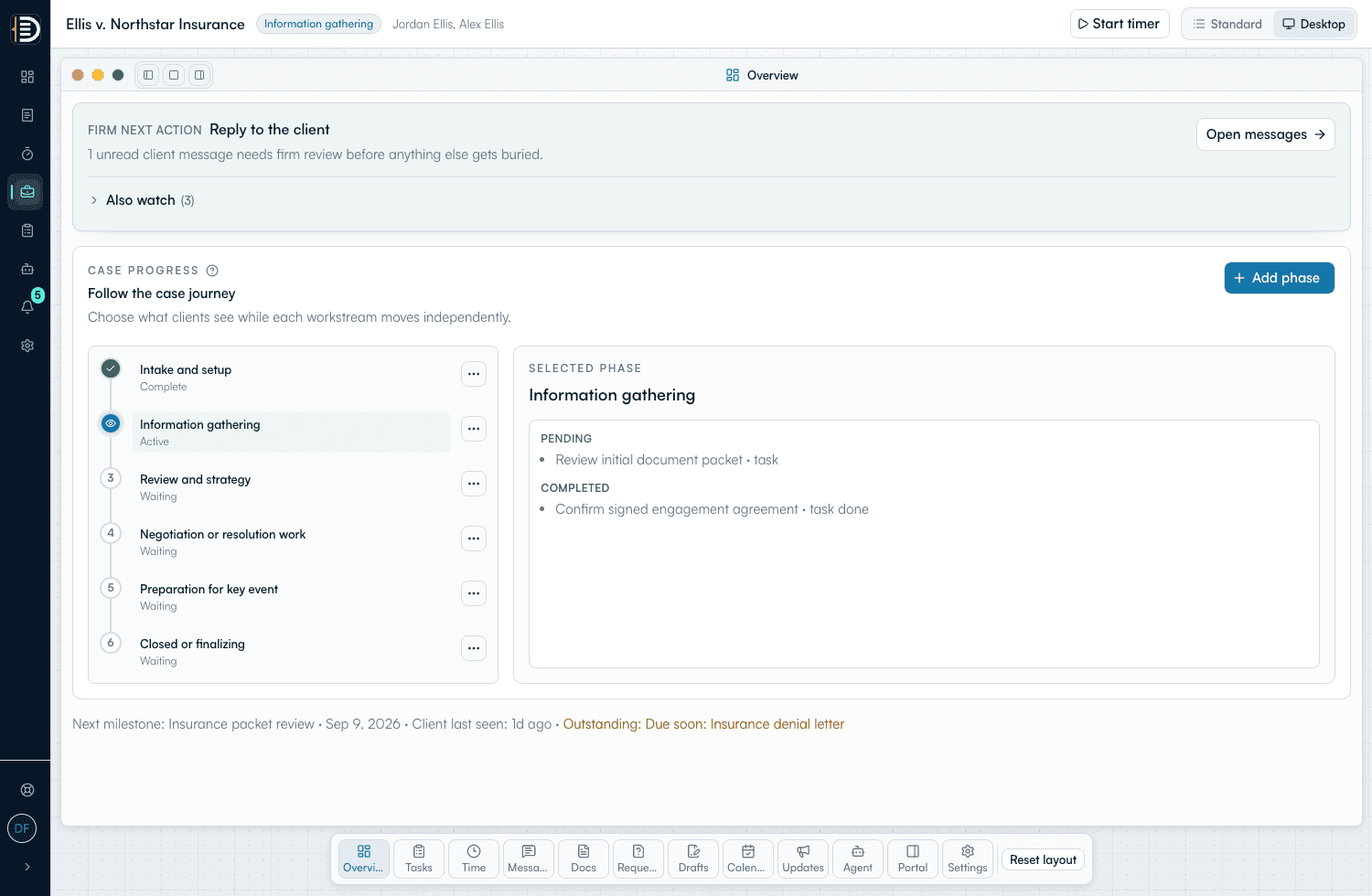
Show Clients one clear Case journey while the Firm manages parallel work.
Communication
Send a document to sign and return
Keep the Firm's document and the Client's completed copy in one request.
Organization
Start with a prospect, open the Case when ready
Collect what a prospective Client needs before the Case starts counting toward Subscription usage.
Questions
Frequently asked
How does BetterDocket cut down “any news?” calls?
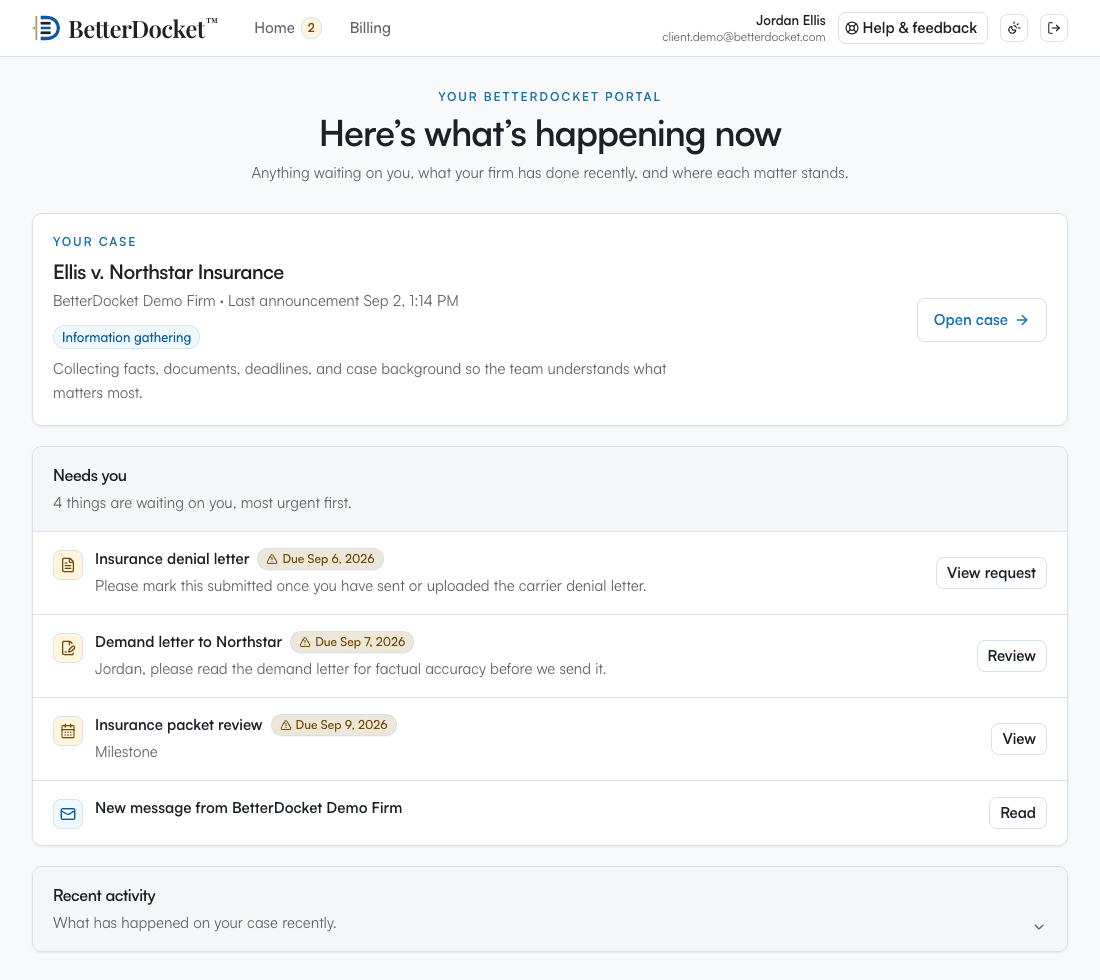
Every case shows its phase, current status, the latest firm update, and next steps in the client portal. When a client wonders where things stand, the answer is already waiting — so the routine check-in call never happens.
How do document requests work?
Your firm requests a document through the matter, with an optional due date. The client sees exactly what is open, uploads directly into the case, and automatic daily reminders do the chasing — open versus received stays obvious to both sides.
What does the firm dashboard show me?
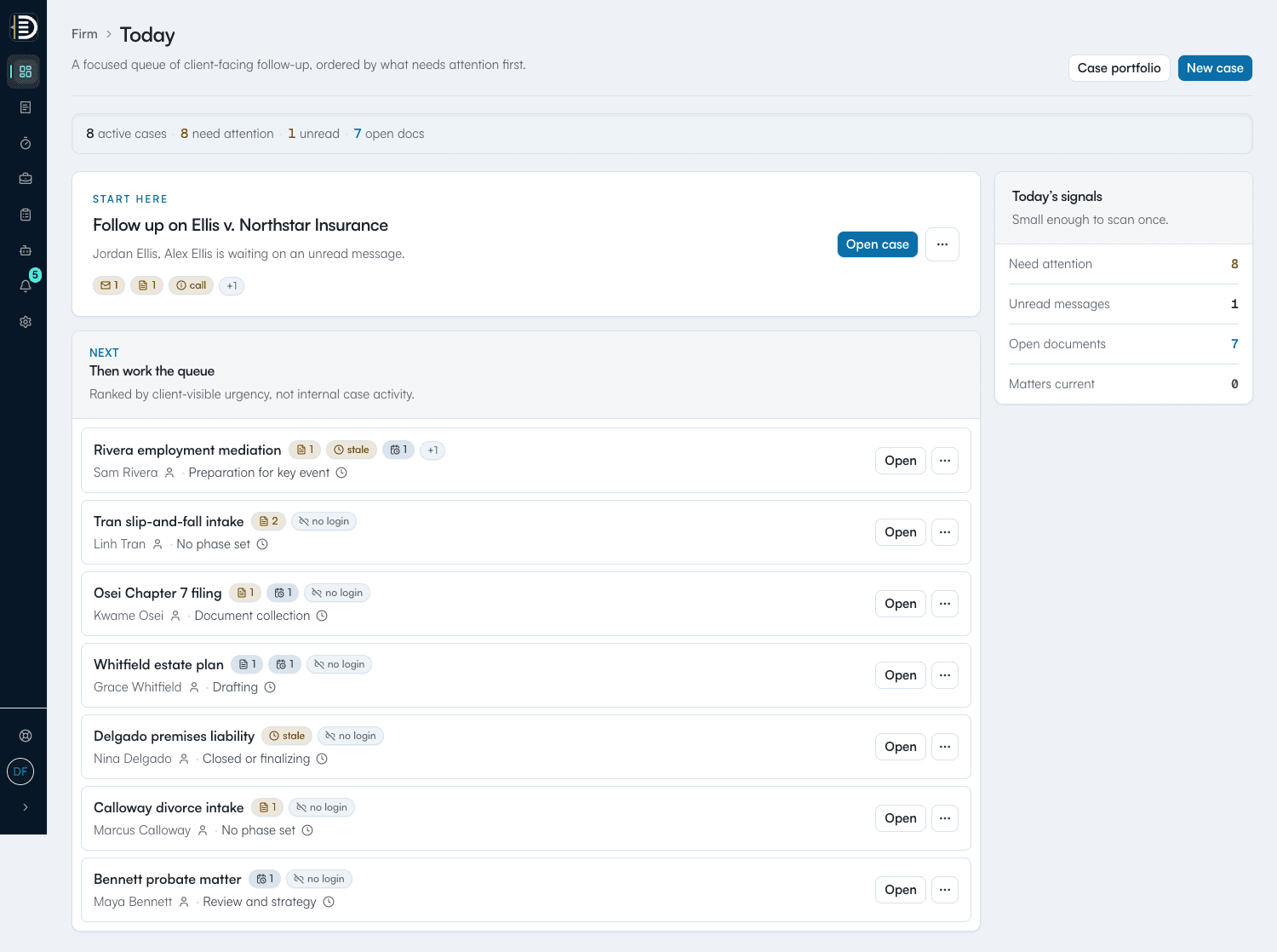
An attention queue: unread client messages, pending document requests, draft reviews clients have answered, status updates going stale, and upcoming client-facing dates — which matters need attention right now, and why.
Do my clients need to install anything?
No. Clients follow an invitation to a private portal in the browser — no app store, nothing to configure. The portal works on phones as well as desktops.
Does BetterDocket replace my practice management software?
No. BetterDocket combines the client communication layer with firm time tracking and native client invoicing. It does not do trust accounting, Client Funds management, online payment collection, accounting, or court filing, so firms may still run it alongside broader practice-management tools.
Spend less time on client follow-up.
Keep clients informed, collect what each matter needs, and protect more time for legal work.